What Size Portable Power Station Do You Actually Need?
ByAndrew··Updated
Who This Guide Helps
Use this guide to make a cleaner portable-power buying decision with live price context.
Most people do not buy the wrong portable power station because they picked the wrong brand. They buy the wrong size. The common mistake is paying for far more battery than they will realistically use, or going too small because the cheapest option looks good until they try to run a real outage kit on it.
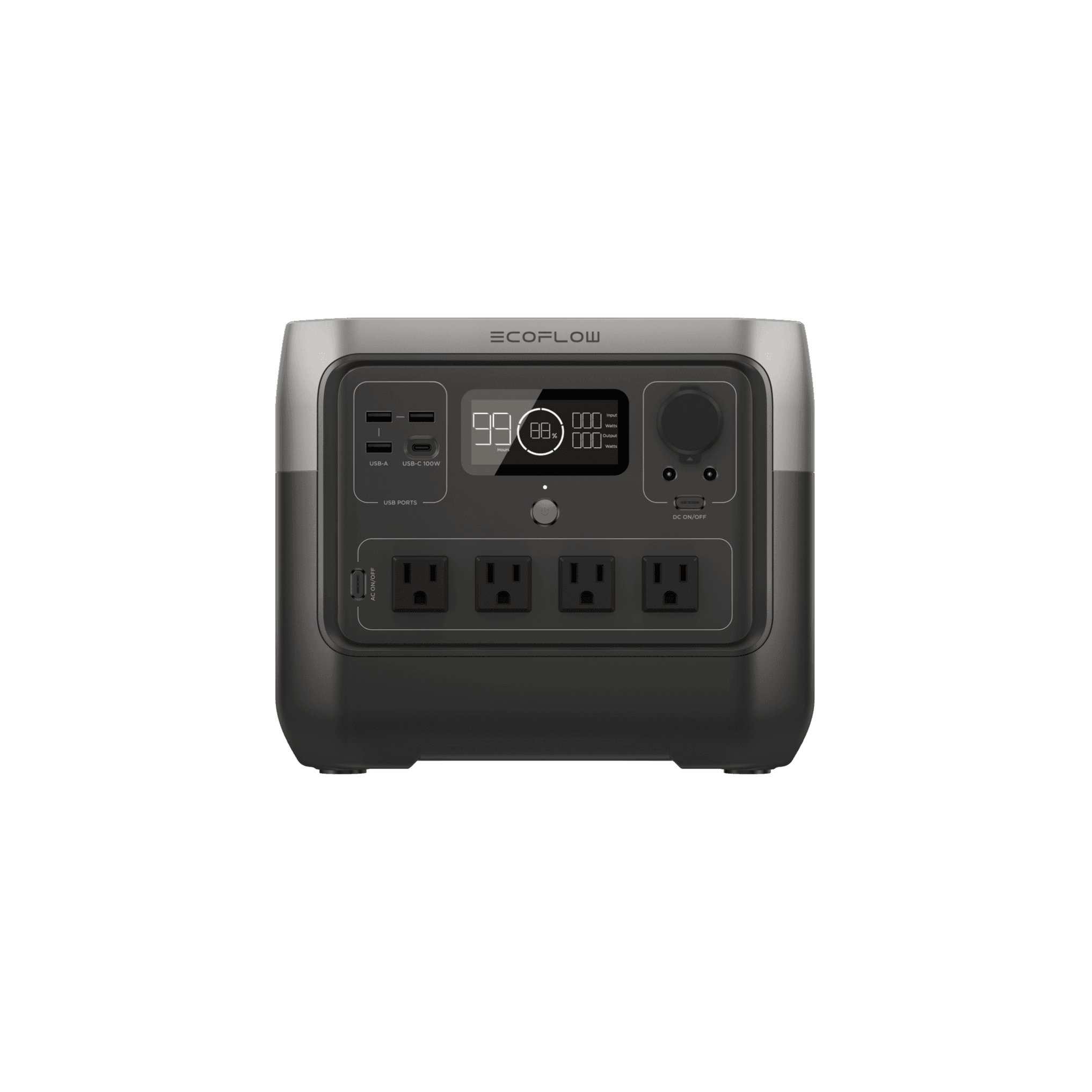
Representative launch-list model used to anchor the sizing guide.
Guide Snapshot
- Best fit for
- Readers comparing tracked launch-list products.
- Key tradeoff
- The right pick depends on use case first, then current price context.
- Updated
- April 14, 2026
Living Guide
Updated for pricing and coverage changes
Last refreshed on April 14, 2026. We update this guide when tracked portable-power pricing, listing eligibility, or featured launch-list coverage changes enough to affect the recommendation.
Editor's Take
Most people overbuy. If your actual outage plan is ‘keep the Wi-Fi on, charge phones, and run a few lights,’ that’s a 256-512Wh job. A RIVER 2 or RIVER 2 Max handles it for under $250. You only need to step up to the 1kWh+ class if you’re planning to support a fridge, a CPAP machine overnight, or sustained work-from-home during an outage. The sizing math isn’t complicated — add up the watt-hours you need and buy 20% more than that.
Best For Different Buyers
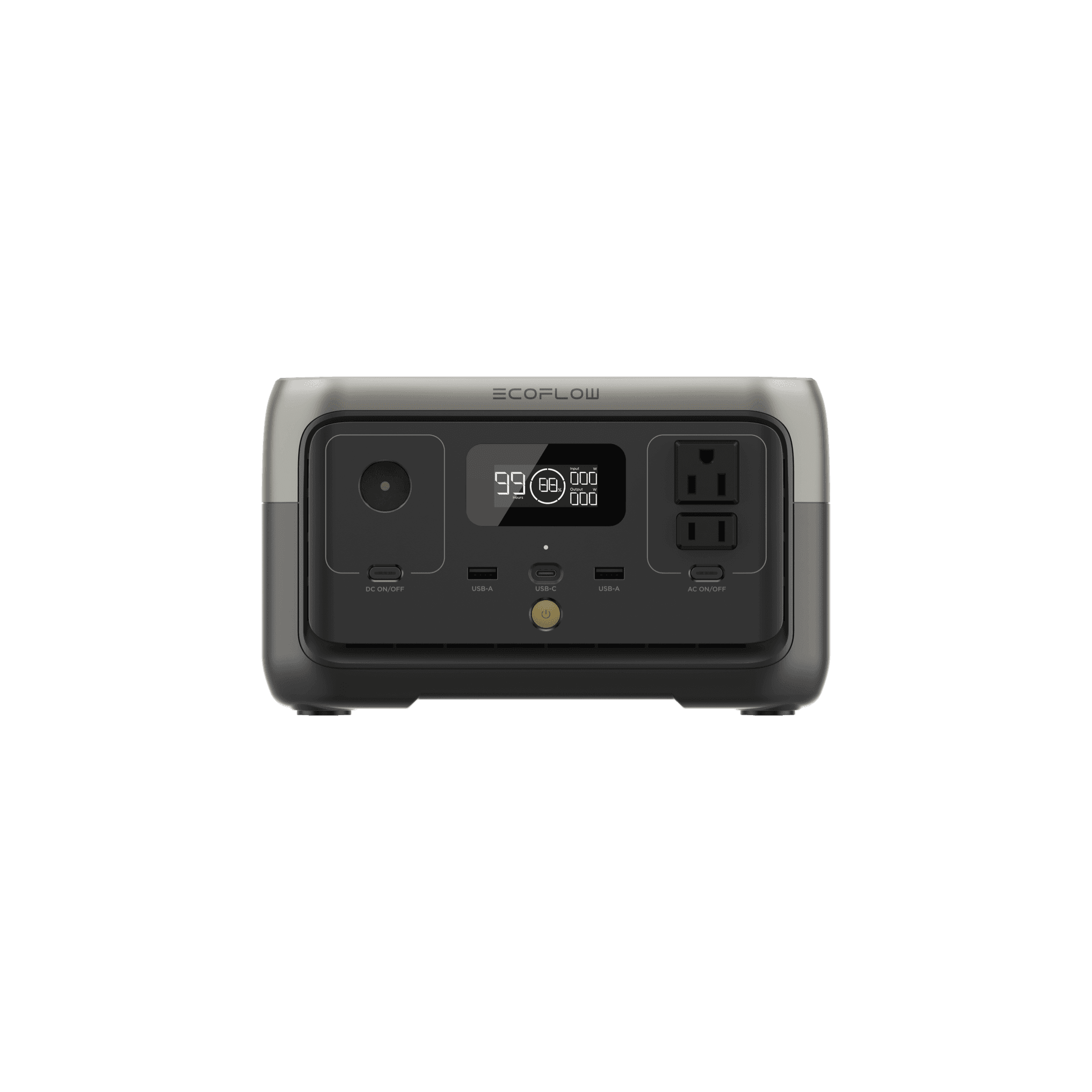
EcoFlow EcoFlow RIVER 2
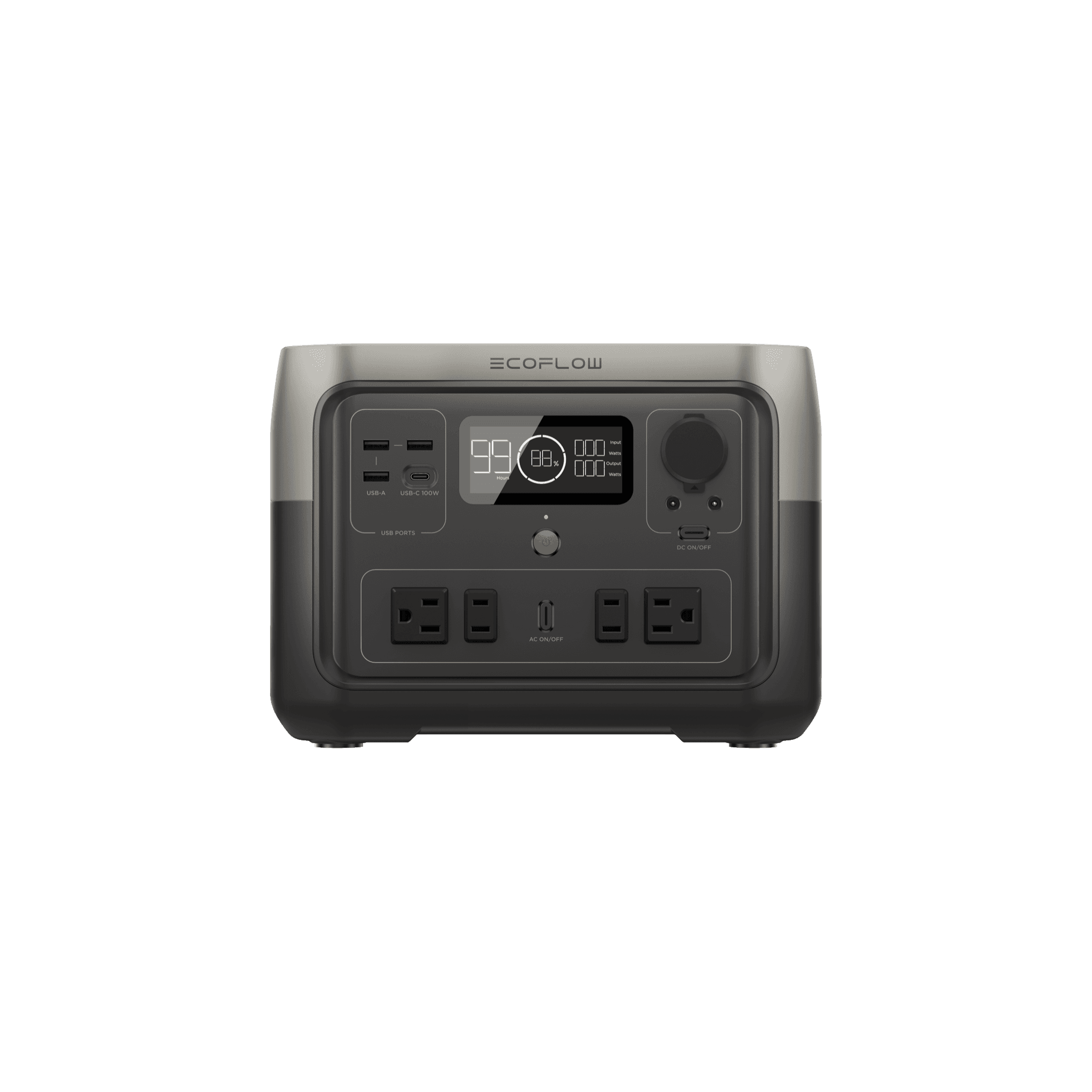
EcoFlow EcoFlow RIVER 2 Max
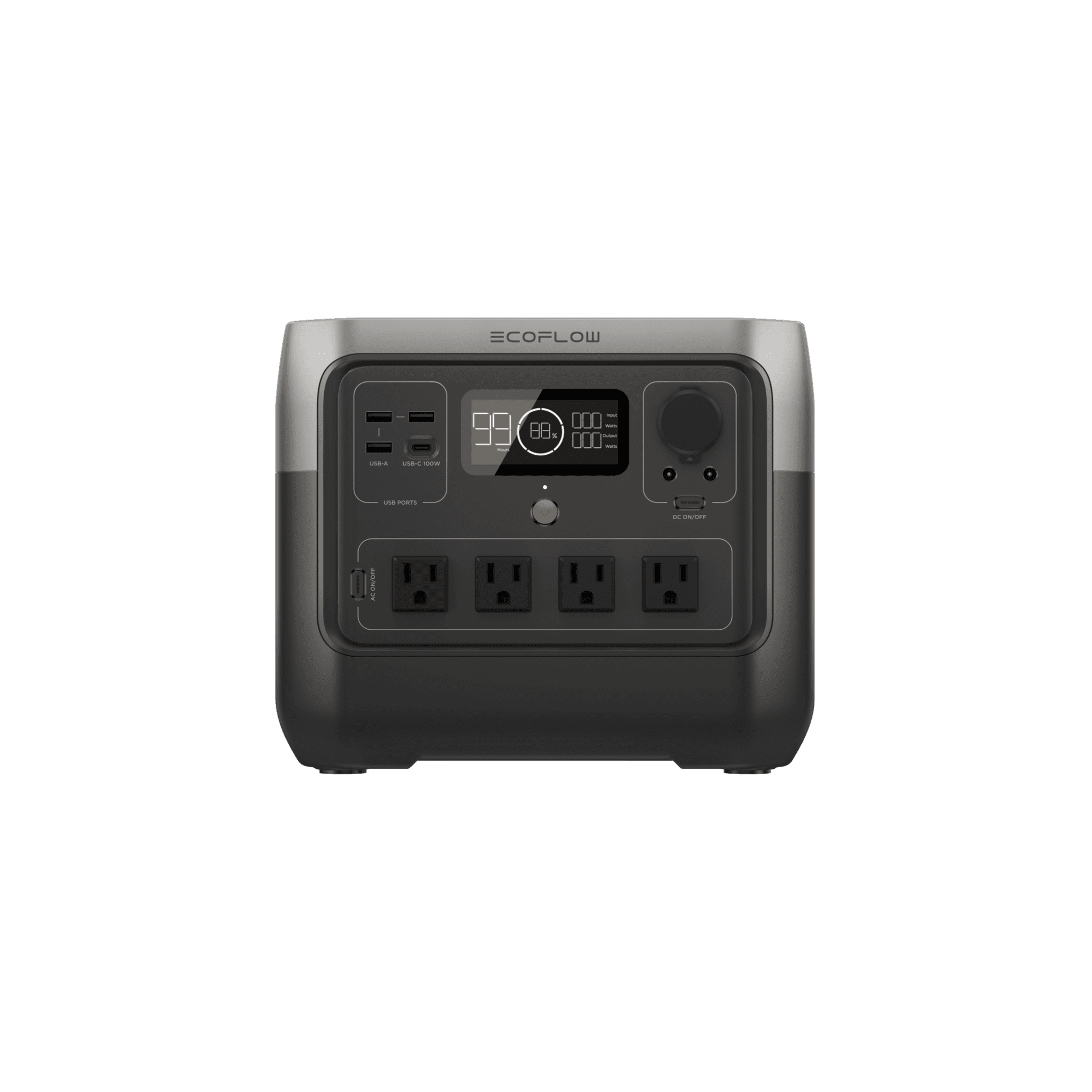
EcoFlow EcoFlow RIVER 2 Pro
Sweet spot for home backup. 2kWh, fast charging, great app.
Best portable option from Jackery.
Recommendations use tracked price context and practical tradeoffs, not commission tiers or fake test scores. Some retailer links may be affiliate links, but recommendations are not ordered by commission. Transparency and Standards.
Decision Framework
How to Think About the Decision
Start with the loads you actually care about, not the largest number on the box. If your goal is communications, light, and short-device charging, you are shopping for a very different tool than someone trying to keep a fridge cold or support a home office through repeated outages.
The smallest class makes sense for phones, rechargeable lights, a Wi-Fi router, a radio, and occasional laptop charging. This is convenience backup more than serious outage support. A unit in the RIVER 2 range can cover that kind of job well, and it is usually the easiest size to justify if you are buying your first station.
The middle step is where portable power starts to feel genuinely useful instead of merely reassuring. Once you move into the roughly 500Wh to 1,200Wh range, you can cover longer laptop use, more router time, more small-device charging, and a better short-term apartment backup setup. This is also the range that makes the most sense for many CPAP users, especially when the rest of the load is kept disciplined.
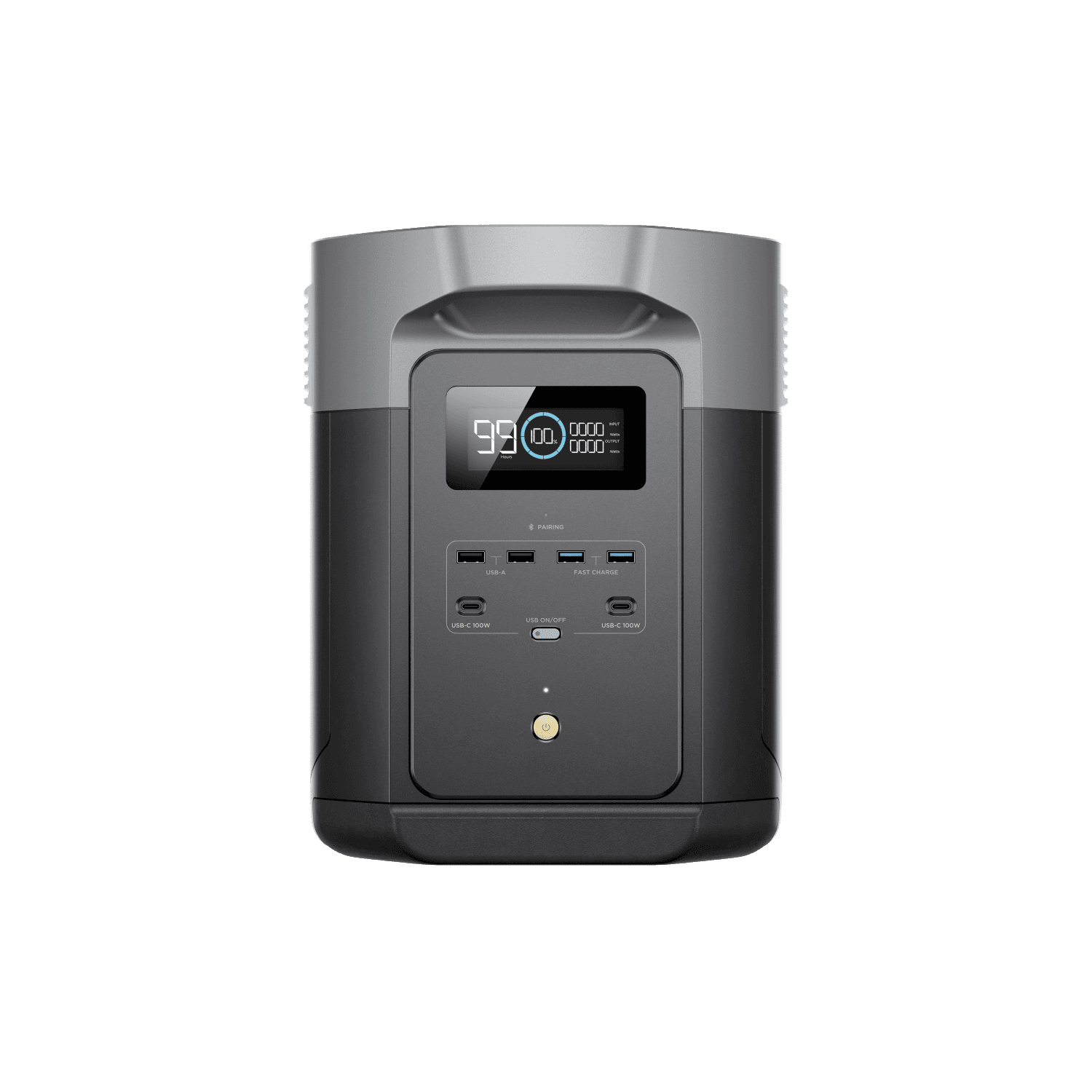
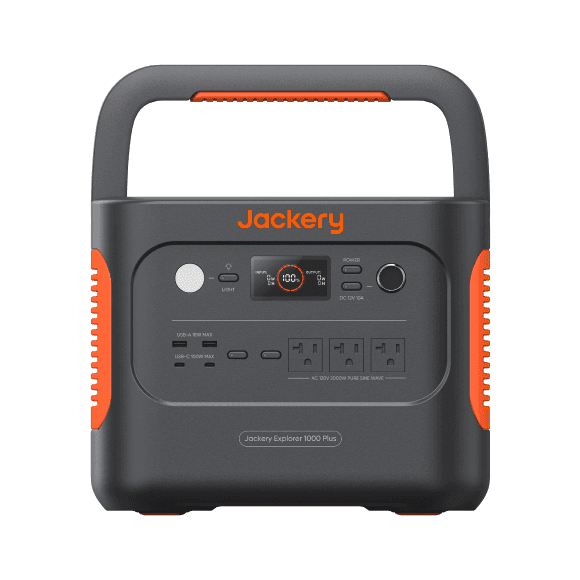
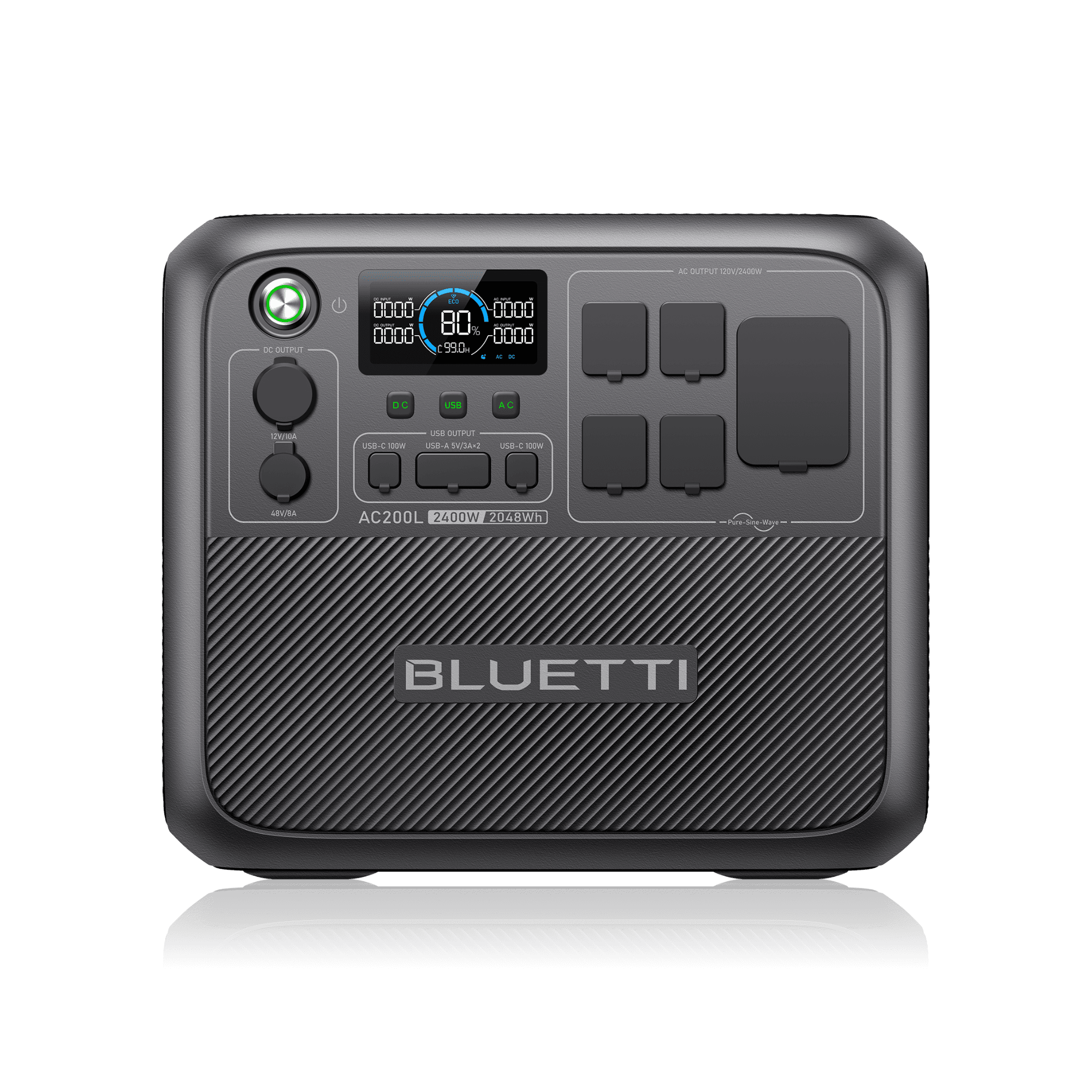
If you want to support a fridge, more sustained work-from-home use, or a cleaner overnight outage plan, the answer usually starts around the 1kWh class and goes up from there. This is where products like the DELTA 3, DELTA 2 Max, Explorer 1000 Plus, and AC200L stop feeling like oversized battery boxes and start feeling like real backup tools.
A good rule is to buy for the job you will do most often, not the disaster scenario you imagine most vividly. If ninety percent of your use will be routers, phones, laptops, and keeping small essentials alive, a compact or mid-size station is usually the smarter buy. If you know refrigeration, longer outages, or repeated overnight use are part of the plan, stepping up in capacity is rational.
The other rule is to respect weight and inconvenience. Bigger stations are more capable, but they are also heavier, more expensive, and easier to leave parked in a closet because they are annoying to move. Portable power only helps if you can actually use it without turning every outage into a logistics problem.
If you are unsure, do not start at the top of the market. Start with the smallest size that clearly covers your everyday outage priorities, then move up only when you can name the extra runtime or appliance support you are actually buying. That approach usually produces a better first purchase than chasing maximum capacity on day one.
A Wi-Fi router draws about 10-15W. Over 8 hours that’s 80-120Wh. Your phone is about 15Wh per charge. A laptop is 50-80Wh per charge. A CPAP machine draws 30-60W depending on settings — over 8 hours of sleep that’s 240-480Wh. A mini fridge draws 50-100W but cycles on and off, so real consumption is roughly 30-50Wh per hour.
How we picked these
We track prices daily across multiple retailers, filter to eligible listings before a price becomes the public headline, and use current pricing context to sharpen the recommendation. Picks are not ordered by commission, and timing language stays conservative when history is still thin. Editorial standards →
Spot an error or outdated detail?
Guides are maintained as tracked pricing, launch-list coverage, and recommendation context change. Send a correction or coverage note through Contact. Our editorial accountability standards are explained in Standards.
Our Picks
EcoFlow
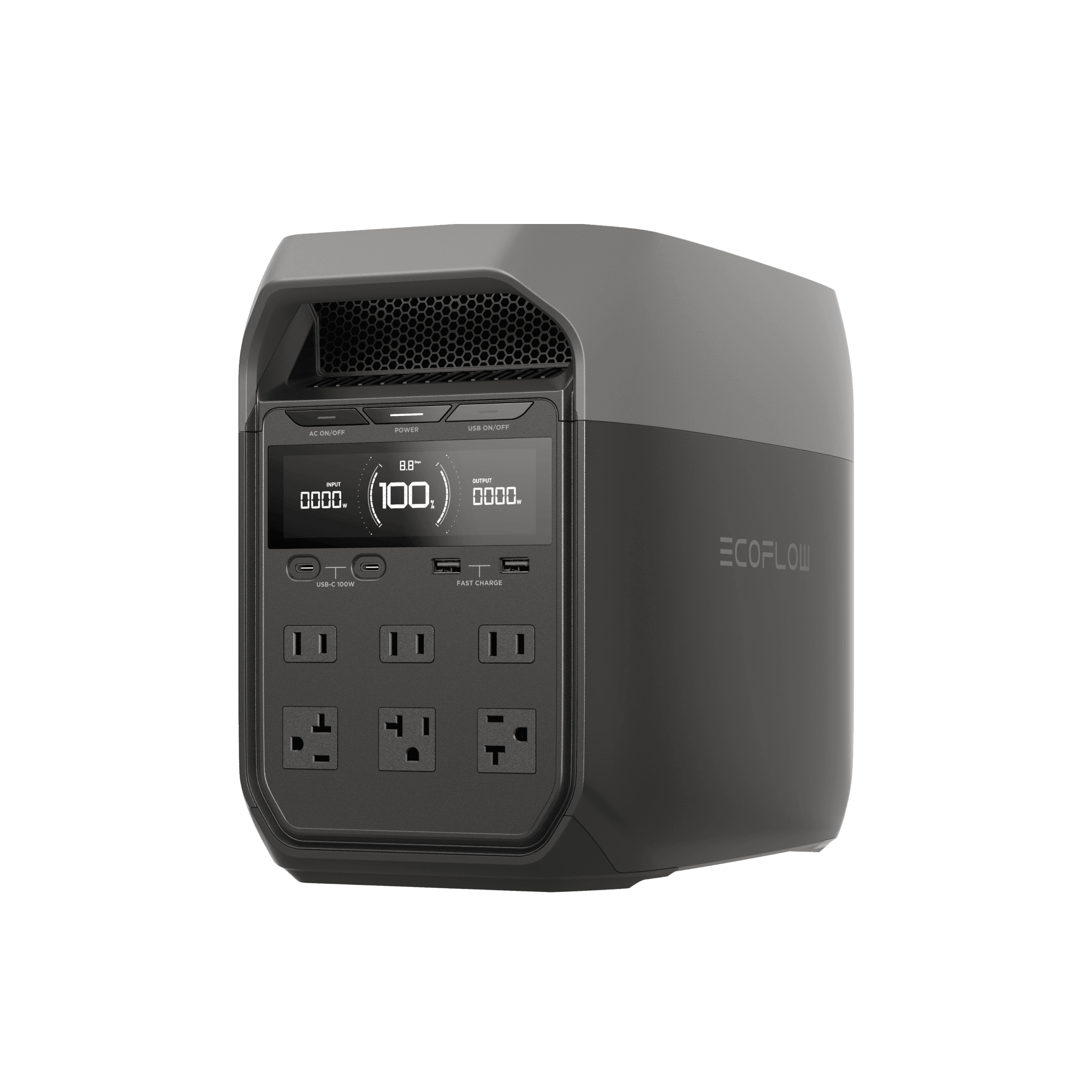
Sweet spot for home backup. 2kWh, fast charging, great app.
EcoFlow
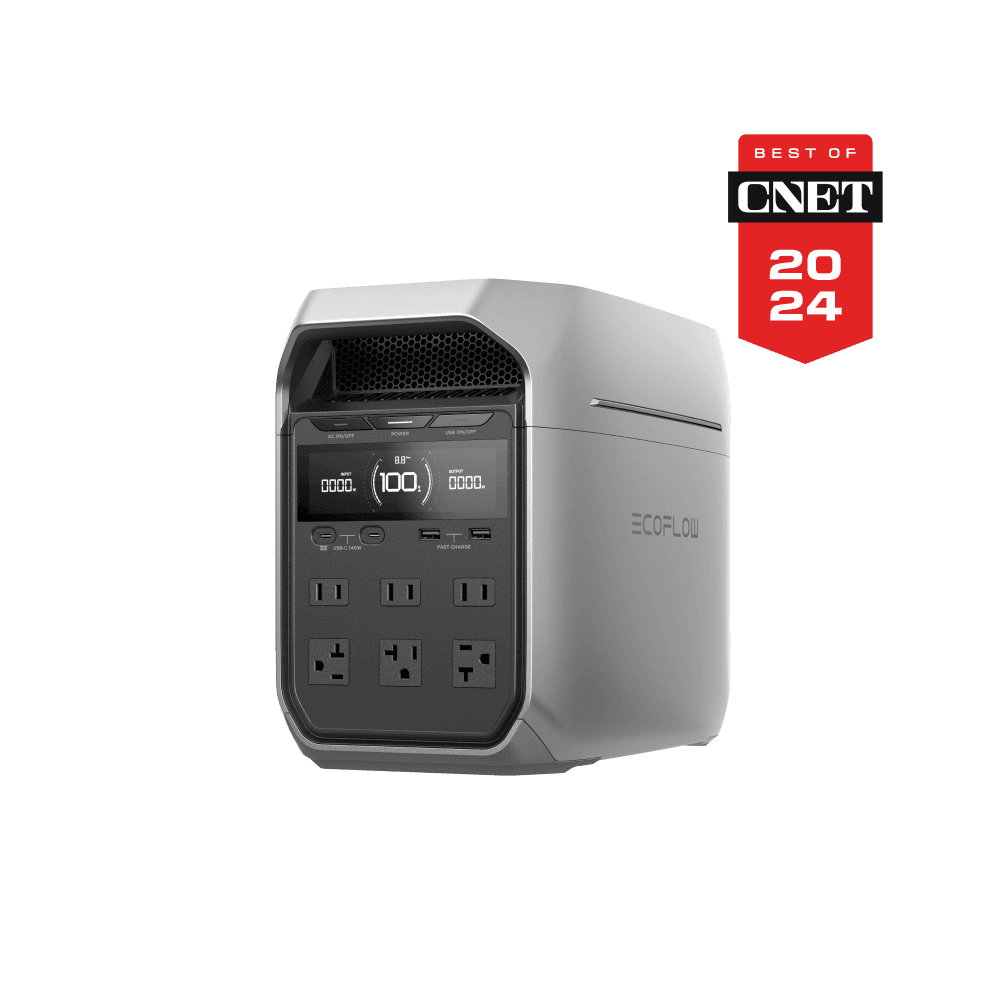
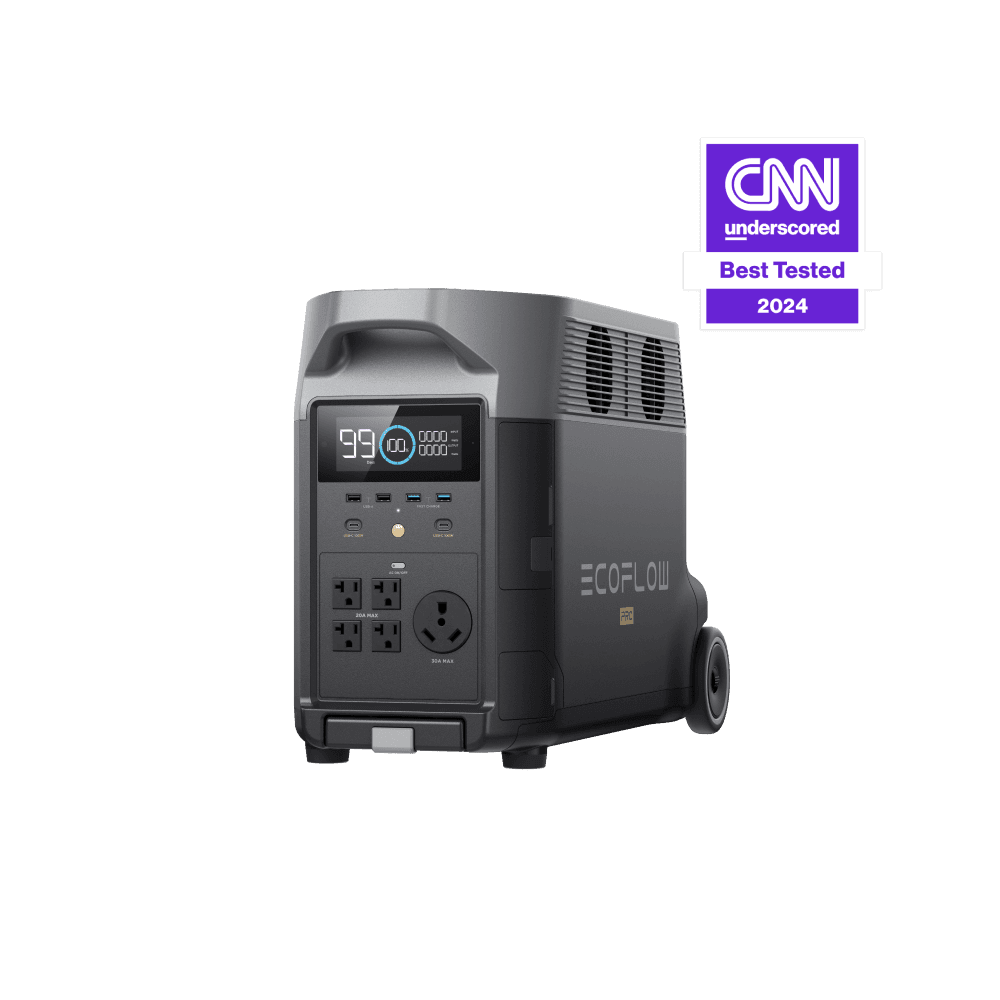
Expandable to 25kWh. The serious home backup option.
Jackery
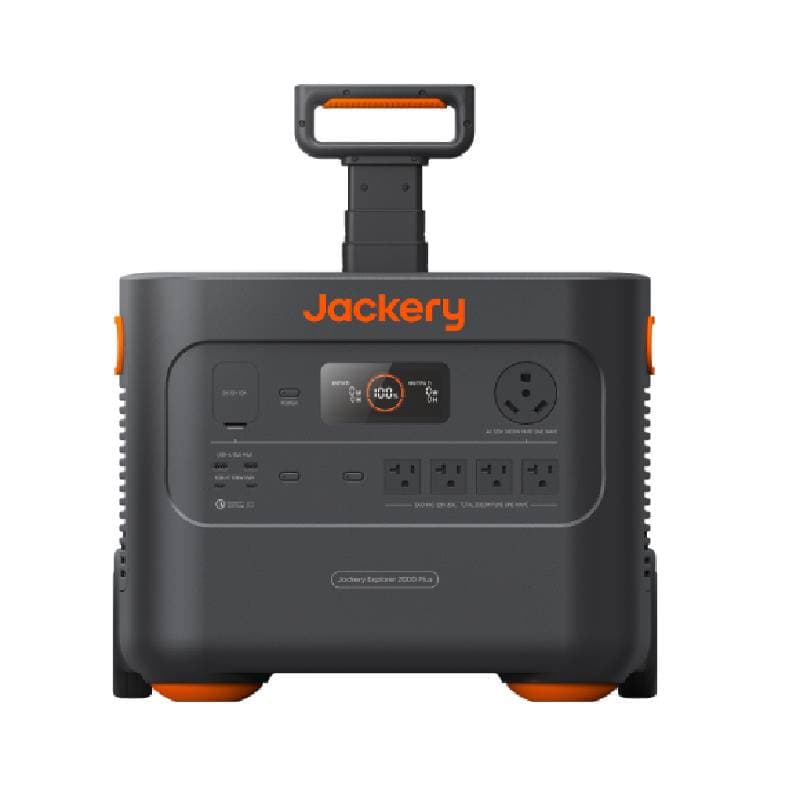
Expandable to 24kWh. Jackery's modular flagship.
Recommendations use tracked price context and practical tradeoffs, not commission tiers or fake test scores. Some retailer links may be affiliate links, but recommendations are not ordered by commission. Transparency and Standards.